
Wiki guide · Community guide
Drilling & borehole logs
Set up the drill truck, extend the drill string and compare the layers recorded in your boreholes.
Choose where to drill
The hand scanner gives a shallow reading near its coil. Use it to choose promising ground, then use the DR-64 drill truck to check the depth and thickness of buried layers.
For the family claim, start with the marked tutorial sample locations. Compare more than one hole before committing to a large excavation. The detector guide explains what its surface reading can and cannot tell you.
Park, stabilize and raise the mast
- Stop at the hole. Set the parking brake. The drill's feedback warns if the truck is still moving.
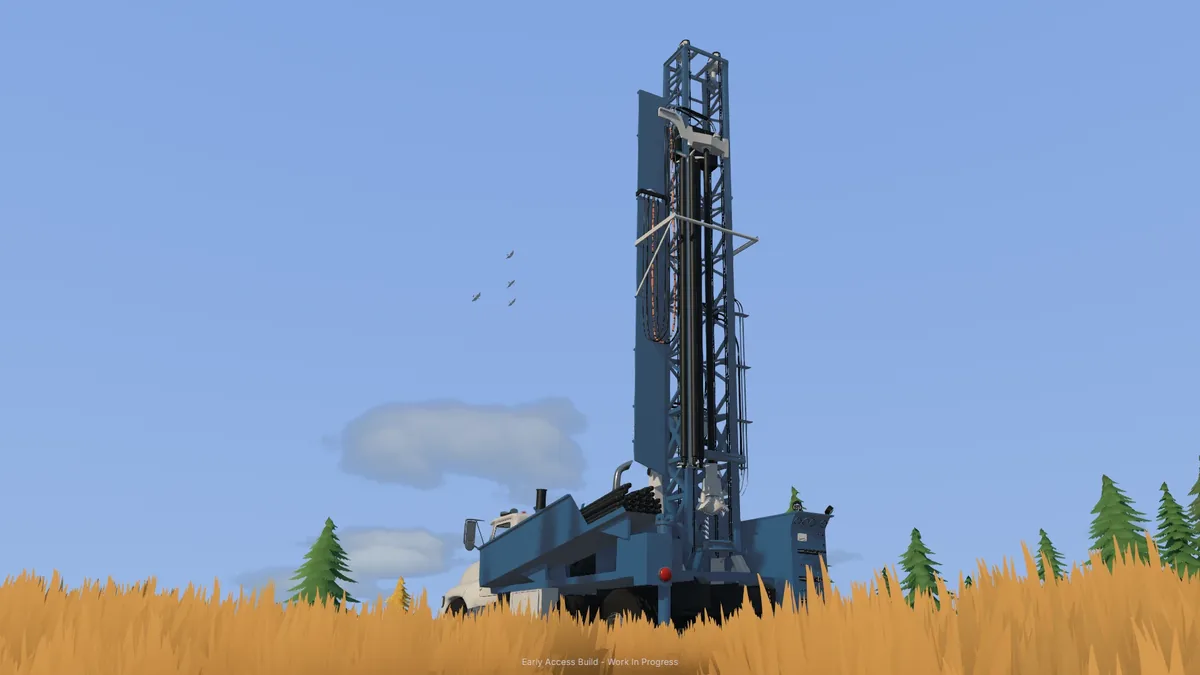
- Set up the rig. Use the mast/setup action. The tutorial lowers the stabilizers before raising the mast; wait for setup to finish.
- Start the rotary head. Feed the drill string downward using the controls shown for the truck.
If the rig reports no engine power, check the truck's fuel. Open vehicle control help for your current bindings.
Drill stabilizers, cuttings and bore flag placement received improvements in the 0.1.3 preview. In a shared session, see the multiplayer rig and ownership notes.
Add rods when the drill runs out of travel
The head has a limited working stroke. When it reaches the end of that travel, the game asks for another rod. Finish the stroke, use Add drill rod and wait for the head to return before feeding downward again.
The tutorial includes an example that adds a rod at about 3 m to continue to a 4 m target. That is a tutorial step, not the maximum depth of every hole. An empty rod rack produces a separate maximum-depth warning.
Finish the hole before moving
Use the pull-rods/finish-hole action to withdraw the drill string. The game blocks rigging down while rods remain in the ground.
The tutorial allows a slow move to the next marked hole with the mast raised after lifting the stabilizers. Lower the stabilizers again before drilling. Use the stow-mast action to put the rig into its transport configuration for travel.
When the hired drill's work is finished, return it through the Fleet page to stop further hire charges.
Compare borehole logs on the Gold Map
Open the in-game Gold Map and select a borehole marker. The log records the layers, their depths and the gold-bearing bands encountered by the drill.
Compare nearby logs to see how the seam changes. Use the grade, depth and thickness guide to interpret the result, then plan the excavation on the interactive map.
Update 0.1.3.3 improves zoom in the in-game Gold Map. Zoom into a group of holes before selecting individual markers to compare logs.