
Running the operation · Game help and controls
Controls & money
Choose controls, grade with hand tools, manage rentals and loans, and avoid common equipment mistakes.
This topic has moved. Open its guide .
This topic has moved. Open its guide .
This topic has moved. Open its guide .
This topic has moved. Open its guide .
This topic has moved. Open its guide .
This topic has moved. Open its guide .
This topic has moved. Open its guide .
This topic has moved. Open its guide .
This topic has moved. Open its guide .
This topic has moved. Open its guide .
This topic has moved. Open its guide .
Machine controls
Loader pile-only mode
Game control and HUD feedback
The wheel loader’s Pile only mode collects deposited piles while protecting the original terrain underneath. The HUD confirms when ground protection is active. Toggle the mode off when you want to excavate the original ground again.
This is useful when loading a stockpile with the WL-19 wheel loader and you want to preserve the surface beneath it.
Digging speed control and braking near piles were improved on the LW170 in the 0.1.3.2 preview.
Tipper overfill control
Control awaiting a gameplay check
A warning in the game files lists Shift+F as an overfill control for a full tipper. A second warning describes reaching the maximum overfill.
Winching other players and vehicles
Game help and controls
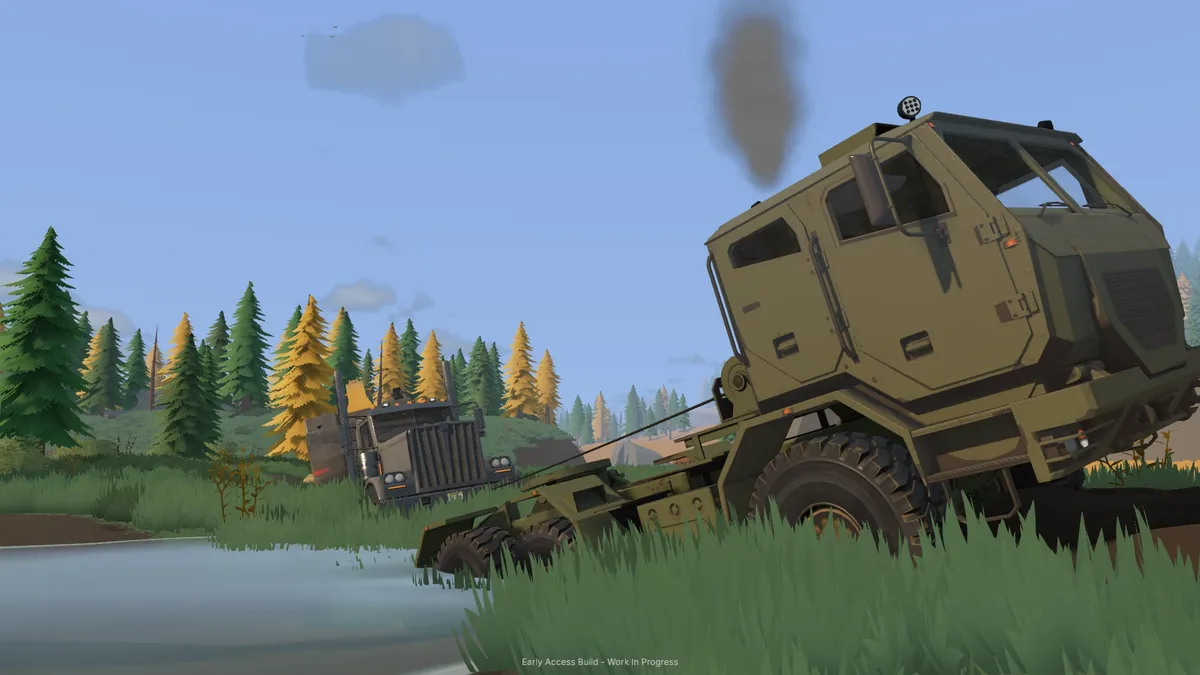
The winch guidance includes pulling other vehicles and players out of mud. The Truck & Trailer controls list the winch selection and pull actions.
A tree can serve as an anchor when recovering your own vehicle. Check your configured bindings for the winch actions.
See vehicle recovery for differential locks and uprighting, or loading the low loader for secured cargo.
Recover a stuck or tipped vehicle.
Processing material
Material loss when stripping a wash plant
Game warning
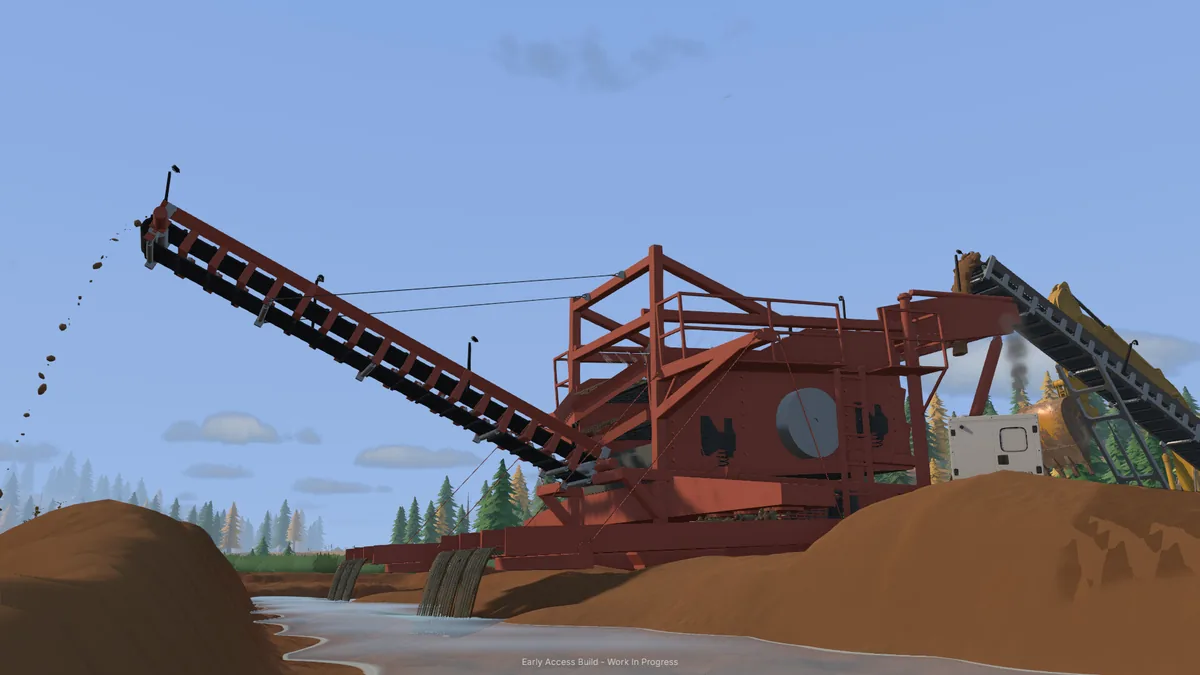
Stripping the wash plant removes its sluice boxes and stacker. Material still inside the plant can be discarded, and the warning reports the cubic meters tipped out and lost.
Let the material finish washing, then stop the plant before stripping it down. The shaker wash plant entry lists its hopper capacity and power requirement.
Company finances
Company bank and loan terms
Company bank help
Borrowing €10,000 adds €500 in fixed interest right away. The total repayment is €10,500, even if you pay it off immediately.
| Term | Amount or rule |
|---|---|
| Borrowing step | €10,000 per action |
| Credit limit | The greater of €250,000 or 50% of fleet value |
| Fixed interest | 5% added when you borrow (€500 per €10,000) |
| Automatic repayment | 50 daily payments of €210 per €10,000 borrowed, before manual payments |
| Manual repayment | Up to €10,000 per action |
Use the company bank ledger to check outstanding principal, outstanding interest and the next automatic repayment.
Daily equipment costs and loan payments
The game deducts daily equipment charges and scheduled payments on outstanding loans from your company balance at 8:00 a.m. (08:00) in-game. Check your company ledger before the morning deduction.
See how operating hours raise vehicle upkeep for the rate, cap and an example.
More in this guide
Vehicle help, ISO/SAE and joystick setup
Press F2 to see the controls for your current vehicle. Use those displayed bindings when a tutorial or older machine name differs from your game.
In Settings → General, ISO and SAE swap the boom and stick controls across keyboard, controller and joysticks. The Precise option softens input near the center for finer movement.
For two joysticks, run Set up sticks to assign left and right devices. Move both through their main axes, then center them. Adjust deadzones if a centered stick drifts and invert an axis if its direction is reversed. Reassign devices if the game reports a disconnection.
Choose a comfortable hydraulic response using the available speed presets and tuning controls.
Look up the keyboard and Xbox bindings by machine in the Groundwork Simulator controls guide.
If an action behaves unexpectedly, open Controls or press F2 in the vehicle to check its binding. Update 0.1.3.3 fixes excavator binding conflicts and improves controller navigation and prompts.
Guided single- and dual-joystick setup appears in the 0.1.2.1 preview, with live input displays and separate profiles for excavators, wheel loaders, dozers, trucks and walking. Separate controller bindings for excavators and dozers/loaders, animated control previews, and prompts that follow your chosen bindings were added in the 0.1.3.2 preview.
Measure, shovel, rake and crosscut trees
- Measuring tool
- Pin a start point, then an end point. The tool reports the measured length in metres.
- Hand shovel
- Scoop material, then choose an allowed green dump target. The game requires you to stand on the ground and have soil physics running.
- Rake
- Grade to a horizontal plane, or capture the existing slope and smooth along it. Soil physics must be running.
- Chainsaw
- Aim the cut height on a standing tree, or aim along a fallen trunk to crosscut it. The crosscut feedback requires both resulting pieces to be at least 0.50 m long.
Check the displayed bindings for pinning measurement points, holding a chainsaw cut and resetting the selected tool. See the material detector guide for scanning.
A cut-down tree cleanup action is listed under General settings in the 0.1.3 preview. It asks for confirmation before clearing trees.
Return rentals and stop further hire charges
Open Company ledger → Fleet and choose RETURN beside a hired machine. You can return it from anywhere after getting out of the vehicle.
Rented trailers must be unhitched and empty before returning them. Rental day 1 already includes the first day's charge. Return the drill when its borehole work is finished to stop later daily hire charges.
Keep normal dealer prices separate from introductory tutorial offers.
Camera and graphics settings
In 0.1.3.3, you can invert mouse look and set field of view separately for camera views. Free camera defaults to F11 and can be rebound in Controls. The update also improves the graphics menus.
A controller look-behind action in supported cabs, lower memory use on Low and Very Low and corrected shadow settings appear in the 0.1.3.2 preview. Earlier display and camera changes include separate Windowed, Borderless and Fullscreen modes, controller camera inversion and third-person walking (0.1.2 preview).
Adjust camera sensitivity and music volume in Settings. Saved camera sensitivity is documented in the 0.1.3 preview, and a separate music volume setting in the 0.1.2 preview.
Grade with dozers and dig with excavators
Dozers. Update 0.1.3.3 improves blade grading, downhill pushing, stability near cuts and resistance under a loaded blade. Tracks flatten soil across settings, including multiplayer. The update fixes hovering at steep walls and tracked machines climbing near-vertical banks. Use a gentler approach when climbing out of a cut.
Machine controls. The update fixes the small dozer’s blade-angle controls and the medium dozer’s door. Press F2 in the vehicle to see the bindings for its available actions.
Excavators and soil. Update 0.1.3.3 fixes long-boom digging and buckets stopping filling on the CX250LR. It improves bucket loads, soil handling and collisions. Use the delete action when carrying a rock you want to clear.
More detailed filling, spilling and settling, plus greater resistance when dragging deeply buried buckets, are part of the ULTRA – EXPERIMENTAL soil option in the 0.1.3.2 preview.
Bucket loads retain their material composition when switching vehicles, exiting equipment or saving and loading, according to the 0.1.2 preview.
Sell equipment and recover its gold
Vehicle and equipment resale value
Vehicle resale value uses your company’s current in-game day. Vehicles sell for 90% of the dealer list price on Day 1. The rate drops by 1 percentage point per day to a 45% minimum on Day 46, then stays at 45%.
A newly bought vehicle uses the same current-day rate. For example, a vehicle bought on Day 46 or later sells for 45% of its dealer list price. Resale amounts are rounded down to whole euros.
The same schedule applies to eligible owned trailers, mobile trommels, fixed wash plants, pumps and conveyors. For example, a mobile trommel with a €62,000 dealer price sells for €27,900 from Day 46 onward.
Selling loaded or connected equipment
In 0.1.3.3 you can sell equipment while it is loaded or connected. Any recovered gold from the sale goes to the company safe. The update also fixes pending sales and sold equipment returning after a reload.
Return hired equipment using the rental return steps. Before moving equipment you plan to keep, complete the transport preparation checks.