
Choose your game · Game menu and map files
Game modes
Compare Easy, Normal, Realistic and Creative, choose a worksite and learn about multiplayer.
Game modes and difficulty
New-game menu definitions
The inspected build defines four difficulty presets. These set starting money, gold abundance, operating costs and whether you receive an introduction.
| Preset | Starting money | Gold abundance | Expenses | Introduction |
|---|---|---|---|---|
| Easy | €500,000 | 2× | Fuel, hire and transport 25% cheaper | Tutorial |
| Normal | €250,000 | Standard · 1× | Standard | Tutorial |
| Realistic | €250,000 | Half · 0.5× | Standard | None |
| Creative | $50,000,000 | Standard · 1× | Standard | None |
Creative gives you 50 million in starting money, standard gold and expenses, and no introduction. It is a difficulty preset; choose your worksite separately below.
Starting money follows the menu text, including its dollar sign for Creative and euro signs for the other presets. These are the listed amounts, without a currency conversion.
For the saved-map comparison behind the Normal and Realistic gold settings, see gold abundance by difficulty.
The 0.1.2.1 preview introduced Creative and added dollars, euros and pounds as display options in Settings. Switching the display currency preserves your saved progress.
Choose a difficulty preset
- Easy. Follow the tutorial with a bigger equipment budget and lower fuel, hire and transport costs.
- Normal. Learn with the tutorial at standard gold abundance and operating costs.
- Realistic. Start without an introduction and work with half the standard gold abundance.
- Creative. Use the larger budget to try machinery and washplant layouts.
Easy fuel, hire and upkeep costs
Easy cuts fuel, hire and base vehicle upkeep by about 25% compared with Normal. The game calculates fuel at €1.125 per litre on Easy and €1.50 per litre on Normal. The operating-hour surcharge applies to the base upkeep for your difficulty.
Campaign and sandbox worksites
Map-choice menu and supplied map packages
Worksite selection is separate from difficulty. The menu labels Spruce Valley as the campaign worksite. The supplied MAIN MAP v2 package contains The Family Claim introduction, with the caravan, wash line, gold cleanup and a marked test hole. This wiki’s gold seams, clues and interactive map cover that package.
Alpine Valley 4K is described as an open natural sandbox. Its supplied map spans 4 × 4 km with a 4 m terrain grid, forests, meadows, lakes and rivers. Mission stages are disabled, and its authored starting vehicle is the EX-25 / R 926.
Multiplayer worksite
Main-menu entry and session-capacity definition
Multiplayer (Beta) is listed separately in the main menu and offers hosting or joining a four-player worksite. The joining flow includes a join-code entry.
For recovery help during a shared session, see winching other players and vehicles.
Five-digit join codes for new lobbies were included in the 0.1.1 preview, with existing codes still supported. The same notes cover simultaneous use of separate drill rigs and releasing machines when an operator disconnects.
Share Ownership covers purchases, rentals, sales, transport and saves in the 0.1.3 preview. The 0.1.3.2 preview covers longer loading on slower guests and recovery after a temporary interruption.
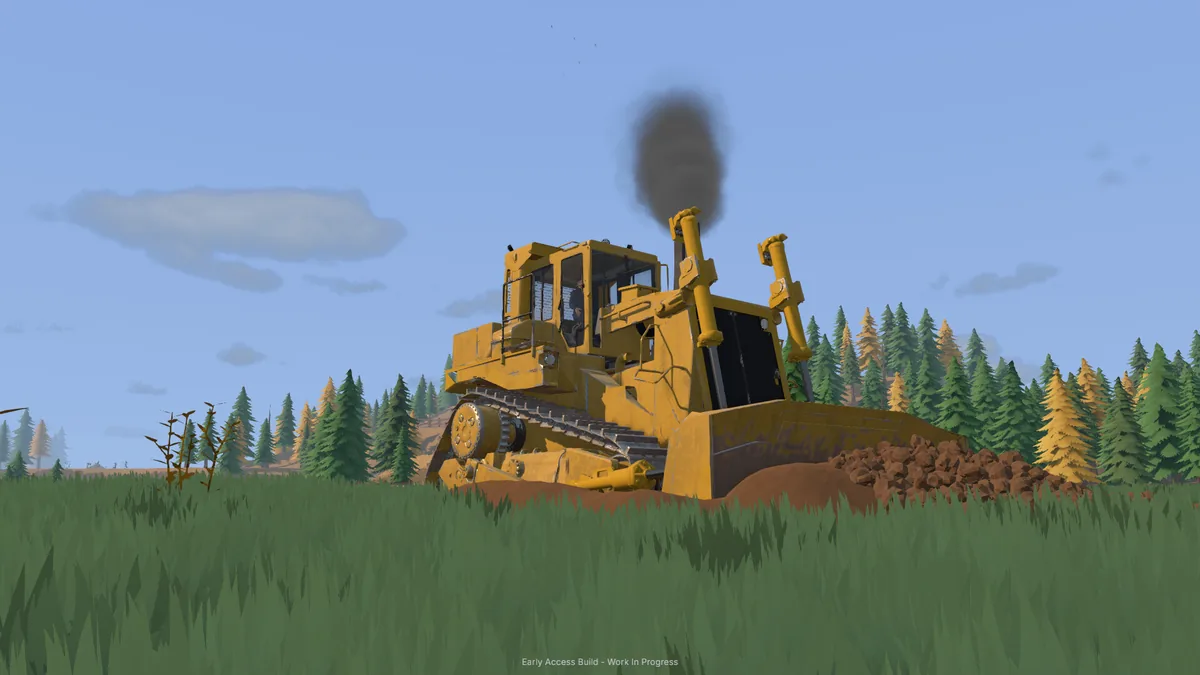
In 0.1.3.3, dozer tracks flatten soil in multiplayer, track syncing is improved and host soil spikes are fixed. See the dozer grading notes for working near cuts.
Save and load a worksite
Update 0.1.3.3 fixes Linux and Proton saves, gives clearer errors when the drive is full and improves loading on macOS. If a save fails with a full-drive message, free space on the save drive before retrying.
Autosave intervals from 15 seconds to 10 minutes are listed in the 0.1.3 preview. Excessive autosaves after Store purchases could slow down input. A fix appears in the 0.1.3.2 preview.